
Google Keyword Planner
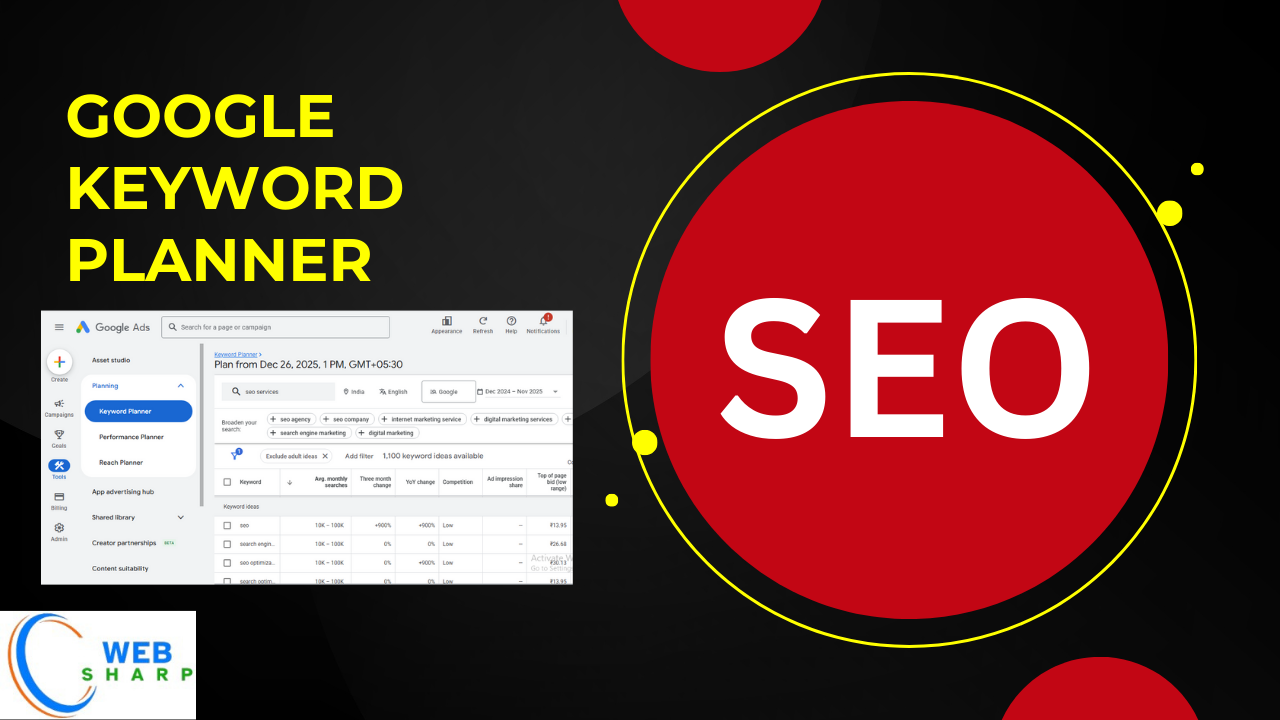
Introduction to Google Keyword Planner
Google Keyword Planner is a free keyword research tool provided by Google Ads that helps website owners, SEO professionals, bloggers, digital marketers, and business owners find the right keywords for their content, websites, and advertising campaigns.
If you want to:
- Increase website traffic
- Improve SEO rankings
- Find profitable keywords
- Plan Google Ads campaigns
- Understand keyword search volume and competition
Then, Google Keyword Planner is an essential tool.
This article explains everything from scratch, so even if you are a beginner, you can easily understand and use this tool effectively.
What Is Google Keyword Planner?
Google Keyword Planner is a tool inside Google Ads that allows users to:
- Discover new keywords related to a topic
- Check monthly search volume
- Analyze keyword competition
- Find cost-per-click (CPC) data
- Plan SEO and PPC strategies
- Identify keyword trends
It was originally designed for advertisers, but today it is widely used for SEO keyword research.
Why Google Keyword Planner Is Important for SEO?
Keyword research is the foundation of SEO. Without proper keywords, your content may never reach your target audience.
Google Keyword Planner helps you:
- Understand what people search on Google
- Target keywords with high search demand
- Avoid highly competitive keywords
- Create content users actually want
- Improve organic traffic and conversions
Who Should Use Google Keyword Planner?
This tool is useful for:
- Bloggers
- SEO professionals
- Digital marketers
- Content writers
- Website owners
- E-commerce store owners
- YouTubers
- Affiliate marketers
- Small business owners
Requirements to Use Google Keyword Planner
Before using Google Keyword Planner, you need:
- A Google account (Gmail)
- A Google Ads account (free to create)
You do not need to run paid ads to use basic features.
How to Sign Up for Google Keyword Planner (Step by Step)?
Step 1: Create a Google Account
If you already have a Gmail account, skip this step.
Otherwise:
- Go to the Google account creation page
- Enter your name, email, and password
- Verify your account
Step 2: Sign Up for Google Ads
- Open Google Ads website
- Click on Start NowSign in with your Google account
- Choose Switch to Expert Mode
- Click Create an account without a campaign
- Fill basic business details
- Submit and complete setup
Your Google Ads account is now ready.
Google Keyword Planner Login Process
Step-by-Step Login Guide
- Open Google Ads website
- Click on Sign In
- Enter your Gmail email
- Enter your password
- Access Google Ads dashboard
How to Access Google Keyword Planner?
After login:
- Go to Google Ads dashboard
- Click Tools & Settings
- Under Planning, click Keyword Planner
- You will see two main options:
- Discover new keywords
- Get search volume and forecasts
Main Features of Google Keyword Planner
Google Keyword Planner provides powerful features such as:
- Keyword ideas generation
- Monthly search volume
- Competition level
- CPC (cost per click)
- Keyword trends
- Location-based data
- Language targeting
- Device targeting
Option 1: Discover New Keywords (Complete Guide)
This feature is used to find new keyword ideas.
How to Use Discover New Keywords?
- Click Discover New Keywords
- Choose one option:
- Start with keywords
- Start with a website
Start with Keywords (Example)
Suppose your topic is “seo”
- Enter keywords like:
- digital marketing
- seo
- online marketing
- Select language and location
- Click Get Results
Results You Will See
You will get a list showing:
- Keyword ideas
- Average monthly searches
- Competition (Low, Medium, High)
- Top of page bid (low and high range)
| Keyword | Monthly Searches | Competition |
|---|---|---|
| seo | 10K – 100K | low |
| seo services | 10K – 100K | low |
| online marketing course | 1K – 10K | Low |
This data helps you decide which keyword is best.
Option 2: Start with a Website
This feature is useful if:
- You want competitor keyword ideas
- You want keywords from your own website
Steps:
- Enter website URL
- Choose:
- Use the entire site
- Use only this page
- Click Get Results
Google will suggest keywords related to that website.
Option 3: Get Search Volume and Forecasts
This feature is used when you already have keywords.
How to Use It
- Click Get Search Volume and Forecasts
- Paste keywords (one per line)
- Click Get Started
Data You Will See
- Monthly search volume
- Forecast clicks
- Forecast impressions
- Competition
- CPC estimates
Understanding Keyword Metrics in Google Keyword Planner
1. Average Monthly Searches
Shows how many times a keyword is searched per month.
- High volume = more traffic
- Low volume = easier ranking
2. Competition
Indicates how many advertisers bid for a keyword.
- Low competition = good for SEO
- High competition = difficult to rank
3. Top of Page Bid (CPC)
Shows cost advertisers pay per click.
- High CPC = high commercial value
- Low CPC = informational keyword
How to Choose the Best Keywords for SEO
Follow these rules:
- Medium search volume
- Low to medium competition
- Relevant to your content
- Clear search intent
Keyword Intent Types Explained
Informational Keywords
User wants information.
Examples:
- what is seo
- google keyword planner guide
Navigational Keywords
User wants a website.
Examples:
- google ads login
- keyword planner tool
Transactional Keywords
User wants to buy.
Examples:
- seo services price
- keyword research tool paid
Using Google Keyword Planner for Blog Content
Step-by-Step Blog Keyword Research
- Choose topic
- Find seed keywords
- Analyze volume and competition
- Select long-tail keywords
- Create content around keywords
Example Blog Keyword Selection
Topic: SEO Tools
Selected keywords:
- google keyword planner
- keyword research tool
- free seo keyword tool
- how to find keywords
Using Google Keyword Planner for YouTube SEO
You can also use it for:
- Video titles
- Video descriptions
- YouTube tags
Choose keywords with:
- Medium volume
- Low competition
Using Google Keyword Planner for E-Commerce
E-commerce benefits include:
- Product keyword research
- Category keyword selection
- Buyer intent keywords
- High CPC keywords
Advanced Features of Google Keyword Planner
Location Targeting
You can target keywords by:
- Country
- State
- City
Useful for local SEO.
Language Targeting
Choose keywords in:
- English
- Hindi
- Any supported language
Keyword Filters
You can filter keywords by:
- Search volume
- Competition
- CPC
- Keyword text
Keyword Filters
You can filter keywords by:
- Search volume
- Competition
- CPC
- Keyword text
Google Keyword Planner Limitations
Although powerful, it has some limitations:
- Exact search volume not shown for free users
- Data ranges instead of exact numbers
- Designed mainly for advertisers
Google Keyword Planner Limitations
Although powerful, it has some limitations:
- Exact search volume not shown for free users
- Data ranges instead of exact numbers
- Designed mainly for advertisers
Google Keyword Planner vs SEMrush
- No SEO difficulty score
- Less competitive analysis
- Free option advantage
Best Practices for Google Keyword Planner
Follow these best practices:
- Use long-tail keywords
- Combine with Google Search Console
- Analyze search intent
- Avoid only high-volume keywords
- Update keyword research regularly
Common Mistakes to Avoid
- Targeting only high competition keywords
- Ignoring search intent
- Not checking relevance
- Using too many keywords
- Keyword stuffing
SEO Content Optimization Using Keywords
After selecting keywords:
- Add focus keyword in title
- Use keyword in meta description
- Add keywords in headings
- Use naturally in content
- Optimize images ALT text
Is Google Keyword Planner Free?
Yes, Google Keyword Planner is free, but:
- Requires Google Ads account
- Advanced data needs ad spend
Frequently Asked Questions (FAQ)
Is Google Keyword Planner good for SEO?
Yes, it is one of the best free tools for SEO keyword research.
Do I need to run ads to use it?
No, you can use basic features without running ads.
Can beginners use Google Keyword Planner?
Yes, it is beginner-friendly with step-by-step options.
Is Google Keyword Planner accurate?
Yes, data comes directly from Google search engine.
Conclusion
Google Keyword Planner is a powerful, reliable, and free keyword research tool that every SEO learner, blogger, and digital marketer should master.
By using this tool correctly, you can:
- Find profitable keywords
- Improve search rankings
- Increase organic traffic
- Build SEO-friendly content
- Plan successful marketing strategies
If you are serious about SEO, Google Keyword Planner should be your starting point.
Leave a Comment
Your email address will not be published. Required fields are marked *
Related Post
Git & GitHub Version Control Tutorial for Beginners
Learn Git & GitHub Version Control with this complete beginner-to-advanced guide. Understand Git commands, repositories, branching, merging,
CI/CD Pipelines Complete Guide – Continuous Integration
Learn everything about CI/CD Pipelines in this complete guide. Understand Continuous Integration, Continuous Deployment.
DevOps: Ultimate Guide to DevOps Practices, Tools
Explore the complete DevOps guide for 2026. Learn DevOps practices, tools, benefits, CI/CD pipelines, automation, culture, and more.
What is Cloud Platforms? Types, Benefits
Learn everything about Cloud Platforms. Understand cloud computing platforms, types, benefits, services, use cases, security, and future trends.
Encryption: Types, Algorithms, Security and Data Encryption
Learn everything about Encryption in this complete guide. Understand what encryption is, types of encryption, algorithms, advantages, data security.
Ethical Hacking: Complete Guide, Tools, Techniques
Learn Ethical Hacking in this complete guide. Understand ethical hackers, types, tools, techniques, and cybersecurity best practices.
Network Security and Firewalls – Types, Architecture
Learn Network Security & Firewalls in detail. This complete guide covers concepts, types of firewalls, architecture, security threats, and more.
Network Routing and Switching – Types, Protocols & Working
Learn everything about Network Routing and Switching. Understand concepts, types, protocols, devices, differences, advantages, and more.
IP Addressing - IPv4, IPv6, Working, Types, Structure, Security
Internet Protocol (IP) is the foundation of the internet. Learn everything about IP, including IPv4, IPv6, IP addressing, packet delivery, and more.
Transmission Control Protocol (TCP) - Working, Features, Use
Learn everything about Transmission Control Protocol (TCP) in this complete SEO-friendly guide. Understand TCP definition, and more.