
How to improve website performance speed
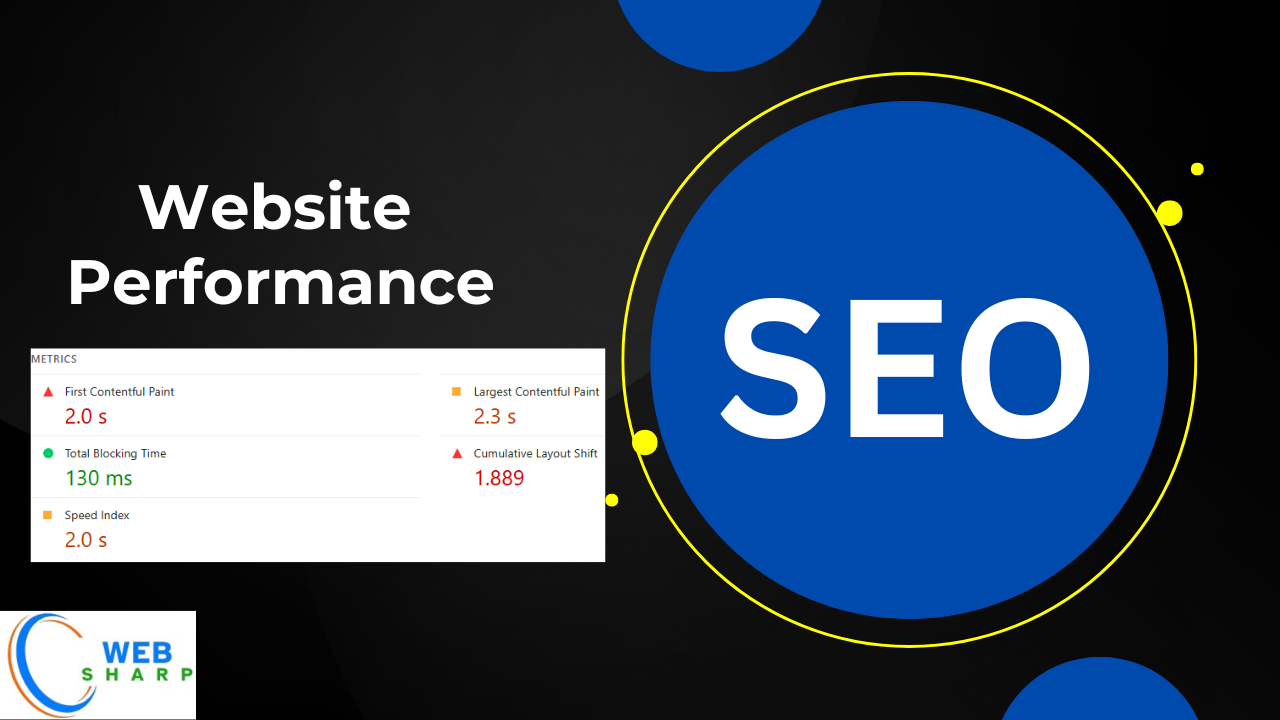
Introduction to Website Performance
Website performance refers to how fast and efficiently a website loads, responds, and behaves for users across different devices and network conditions. A high-performing website loads quickly, responds instantly to user actions, and provides a smooth browsing experience.
From an SEO perspective, website performance is not optional. Search engines like Google use performance metrics as ranking factors. From a user perspective, slow websites cause frustration, high bounce rates, and lost conversions.
In simple words:
Website performance = Speed + Stability + Responsiveness
Why Website Performance Is Important?
Website performance directly impacts:
- Search engine rankings
- User experience
- Conversion rates
- Bounce rate
- Revenue and trust
Key Reasons Performance Matters
- Google uses Core Web Vitals as ranking signals
- Faster websites retain more users
- Mobile users expect pages to load within 2–3 seconds
- Slow websites lose sales and leads
Example:
If an e-commerce website loads in 6 seconds instead of 2 seconds, it can lose up to 40% of visitors.
Understanding Page Speed Optimization
Page speed optimization is the process of improving how fast a webpage loads and becomes interactive.
Page speed is measured in two ways:
- Page Load Time – total time to load content
- Time to Interactive – when users can interact with the page
Factors Affecting Page Speed
- Server response time
- File size (HTML, CSS, JS, images)
- Hosting quality
- Browser rendering
- Network speed
Core Web Vitals: The Foundation of Website Performance
Core Web Vitals are a set of performance metrics defined by Google to measure real-world user experience.
The Three Core Web Vitals Metrics
- Largest Contentful Paint (LCP)
- First Input Delay (FID) / Interaction to Next Paint (INP)
- Cumulative Layout Shift (CLS)
Largest Contentful Paint (LCP) Explained
LCP measures loading performance.
It tracks how long it takes for the largest visible element on a page to load.
What Counts as LCP Elements?
- Hero images
- Featured banners
- Large text blocks
- Video posters
Good LCP Score
- Good: Under 2.5 seconds
- Needs Improvement: 2.5 – 4 seconds
- Poor: Over 4 seconds
How to Improve LCP?
- Optimize server response time
- Compress and optimize images
- Use efficient image formats (WebP)
- Preload critical resources
- Remove render-blocking CSS
Example:
If your homepage hero image is 2MB, compressing it to 200KB can significantly improve LCP.
FID and INP: Measuring Interactivity
First Input Delay (FID)
FID measures how quickly a website responds when a user first interacts with it.
Examples of interactions:
- Clicking a button
- Tapping a link
- Selecting a menu
Good FID Score
- Good: Under 100 ms
- Needs Improvement: 100 – 300 ms
- Poor: Over 300 ms
Interaction to Next Paint (INP)
INP replaces FID as a more accurate interaction metric.
It measures the responsiveness of all user interactions, not just the first one.
Good INP Score
- Good: Under 200 ms
- Needs Improvement: 200 – 500 ms
- Poor: Over 500 ms
How to Improve FID / INP?
- Reduce JavaScript execution time
- Break long tasks into smaller tasks
- Defer non-critical JavaScript
- Use efficient frameworks
- Optimize third-party scripts
Cumulative Layout Shift (CLS) Explained
CLS measures visual stability.
It tracks unexpected layout movements during page loading.
Common Causes of CLS
- Images without width and height
- Ads loading dynamically
- Web fonts are causing text shifts
- Injected elements
Good CLS Score
- Good: Less than 0.1
- Needs Improvement: 0.1 – 0.25
- Poor: Above 0.25
How to Fix CLS?
- Always define image dimensions
- Reserve space for ads
- Avoid inserting content above existing content
- Use font-display: swap properly
Example:
If a button shifts downward when an image loads, it increases CLS and harms user experience.
Lazy Loading: Load Only What Is Needed
Lazy loading delays loading non-critical resources until they are needed.
What Can Be Lazy Loaded?
- Images
- Videos
- Iframes
- Third-party scripts
Benefits of Lazy Loading
- Faster initial page load
- Reduced bandwidth usage
- Better LCP and CLS scores
Example
Instead of loading 20 images at once, load only those visible in the viewport.
Image Optimization for Website Performance
Images are often the largest contributors to page size.
Best Image Optimization Practices
- Use modern formats (WebP, AVIF)
- Compress images without losing quality
- Serve responsive images
- Avoid oversized images
- Use lazy loading
Example
- Original image: 1.5MB JPG
- Optimized image: 150KB WebP
- Result: Faster load and improved LCP
Minification of CSS, JavaScript, and HTML
Minification removes unnecessary characters like spaces, comments, and line breaks from code.
Types of Minification
- CSS Minification
- JavaScript Minification
- HTML Minification
Benefits of Minification
- Reduced file size
- Faster downloads
- Improved rendering speed
Example
Original CSS file size: 50KB
Minified CSS file size: 18KB
Render-Blocking Resources and How to Fix Them
Render-blocking resources delay page rendering.
Common Render-Blocking Resources
- CSS files in the head
- JavaScript without defer or async
Solutions
- Inline critical CSS
- Defer non-critical JavaScript
- Load scripts asynchronously
- Reduce unused CSS
Browser Caching for Faster Repeat Visits
Browser caching stores static resources locally in the user’s browser.
Cached Resources
- Images
- CSS
- JavaScript
- Fonts
Benefits
- Faster load time for returning users
- Reduced server load
Content Delivery Network (CDN)
A CDN distributes content across multiple global servers.
How CDN Improves Performance?
- Serves content from the nearest location
- Reduces latency
- Improves load time
Server Response Time Optimization
Server response time is measured as Time to First Byte (TTFB).
Ways to Improve Server Performance
- Use fast hosting
- Enable caching
- Optimize database queries
- Use CDN
- Reduce server load
Mobile Performance Optimization
Google uses mobile-first indexing.
Mobile Performance Best Practices
- Responsive design
- Optimize images for mobile
- Reduce JavaScript execution
- Avoid heavy animations
Tools to Measure Website Performance
Popular Performance Tools
- Google PageSpeed Insights
- Lighthouse
- GTmetrix
- WebPageTest
- Chrome DevTools
Website Performance and SEO Relationship
Website performance affects SEO through:
- Core Web Vitals ranking signals
- Lower bounce rates
- Higher dwell time
- Better crawl efficiency
Common Website Performance Mistakes
- Ignoring image optimization
- Loading too many scripts
- No caching
- Heavy themes and plugins
- Poor hosting
Step-by-Step Website Performance Optimization Checklist
- Analyze performance
- Optimize images
- Improve Core Web Vitals
- Minify CSS, JS, HTML
- Enable caching
- Use CDN
- Monitor regularly
Frequently Asked Questions (FAQ)
What is website performance?
Website performance refers to how quickly a website loads, responds, and remains stable for users across devices and networks.
Why is website performance important for SEO?
Google uses performance metrics like Core Web Vitals as ranking factors. Faster websites rank better and provide an improved user experience.
What are Core Web Vitals?
Core Web Vitals are Google’s user experience metrics that include LCP, FID/INP, and CLS.
What is a good LCP score?
A good LCP score is under 2.5 seconds.
How does image optimization improve performance?
Optimized images reduce file size, improve load time, and enhance LCP and overall page speed.
Does minification affect SEO?
Yes. Minification improves load speed, which positively impacts SEO and user experience.
Is lazy loading good for SEO?
Yes. Lazy loading improves initial load speed and reduces resource usage, benefiting both SEO and users.
Conclusion
Website performance is a critical pillar of Technical SEO, user experience, and digital success. By optimizing page speed, improving Core Web Vitals, reducing file sizes, and enhancing server efficiency, you can create faster, more reliable, and SEO-friendly websites.
Leave a Comment
Your email address will not be published. Required fields are marked *
Related Post
Git & GitHub Version Control Tutorial for Beginners
Learn Git & GitHub Version Control with this complete beginner-to-advanced guide. Understand Git commands, repositories, branching, merging,
CI/CD Pipelines Complete Guide – Continuous Integration
Learn everything about CI/CD Pipelines in this complete guide. Understand Continuous Integration, Continuous Deployment.
DevOps: Ultimate Guide to DevOps Practices, Tools
Explore the complete DevOps guide for 2026. Learn DevOps practices, tools, benefits, CI/CD pipelines, automation, culture, and more.
What is Cloud Platforms? Types, Benefits
Learn everything about Cloud Platforms. Understand cloud computing platforms, types, benefits, services, use cases, security, and future trends.
Encryption: Types, Algorithms, Security and Data Encryption
Learn everything about Encryption in this complete guide. Understand what encryption is, types of encryption, algorithms, advantages, data security.
Ethical Hacking: Complete Guide, Tools, Techniques
Learn Ethical Hacking in this complete guide. Understand ethical hackers, types, tools, techniques, and cybersecurity best practices.
Network Security and Firewalls – Types, Architecture
Learn Network Security & Firewalls in detail. This complete guide covers concepts, types of firewalls, architecture, security threats, and more.
Network Routing and Switching – Types, Protocols & Working
Learn everything about Network Routing and Switching. Understand concepts, types, protocols, devices, differences, advantages, and more.
IP Addressing - IPv4, IPv6, Working, Types, Structure, Security
Internet Protocol (IP) is the foundation of the internet. Learn everything about IP, including IPv4, IPv6, IP addressing, packet delivery, and more.
Transmission Control Protocol (TCP) - Working, Features, Use
Learn everything about Transmission Control Protocol (TCP) in this complete SEO-friendly guide. Understand TCP definition, and more.